

Project for Google UX Certificate Program
Date: June – July 2021
Role: UX Designer
Tools Used: Figma, Canva, Adobe Photoshop
As a part of Courses 1 through 5 in the Google UX Certificate program, we learned how to design an application from start to finish. We spent the first couple of courses learning strictly about research, then went into the design phase later. The prompt that I chose was “create a cat food ingredient app.” Our goal in this project was to learn how to go through a design sprint, what are some everyday tasks of a UX Designer, and how to design an app using Figma.
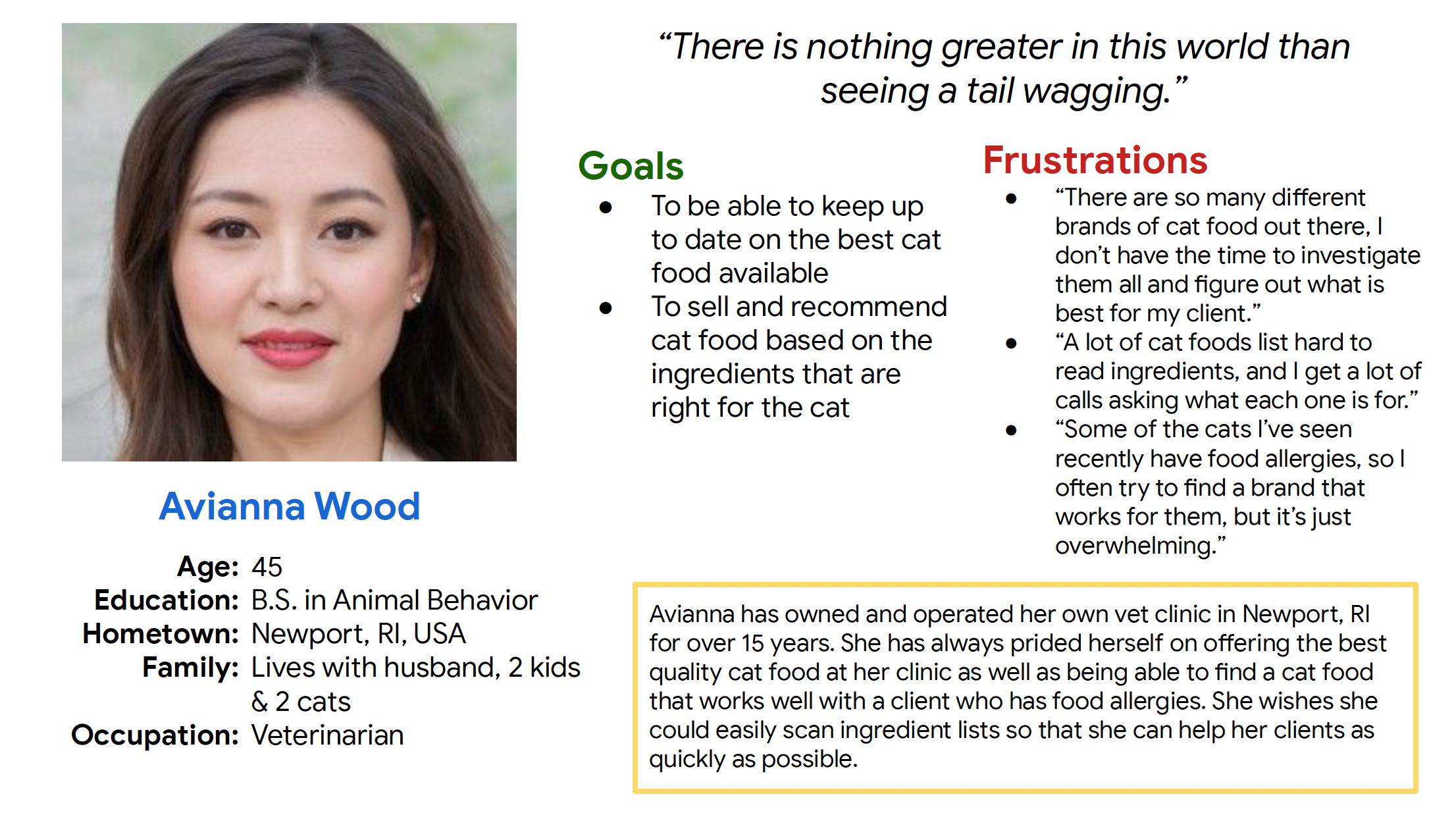
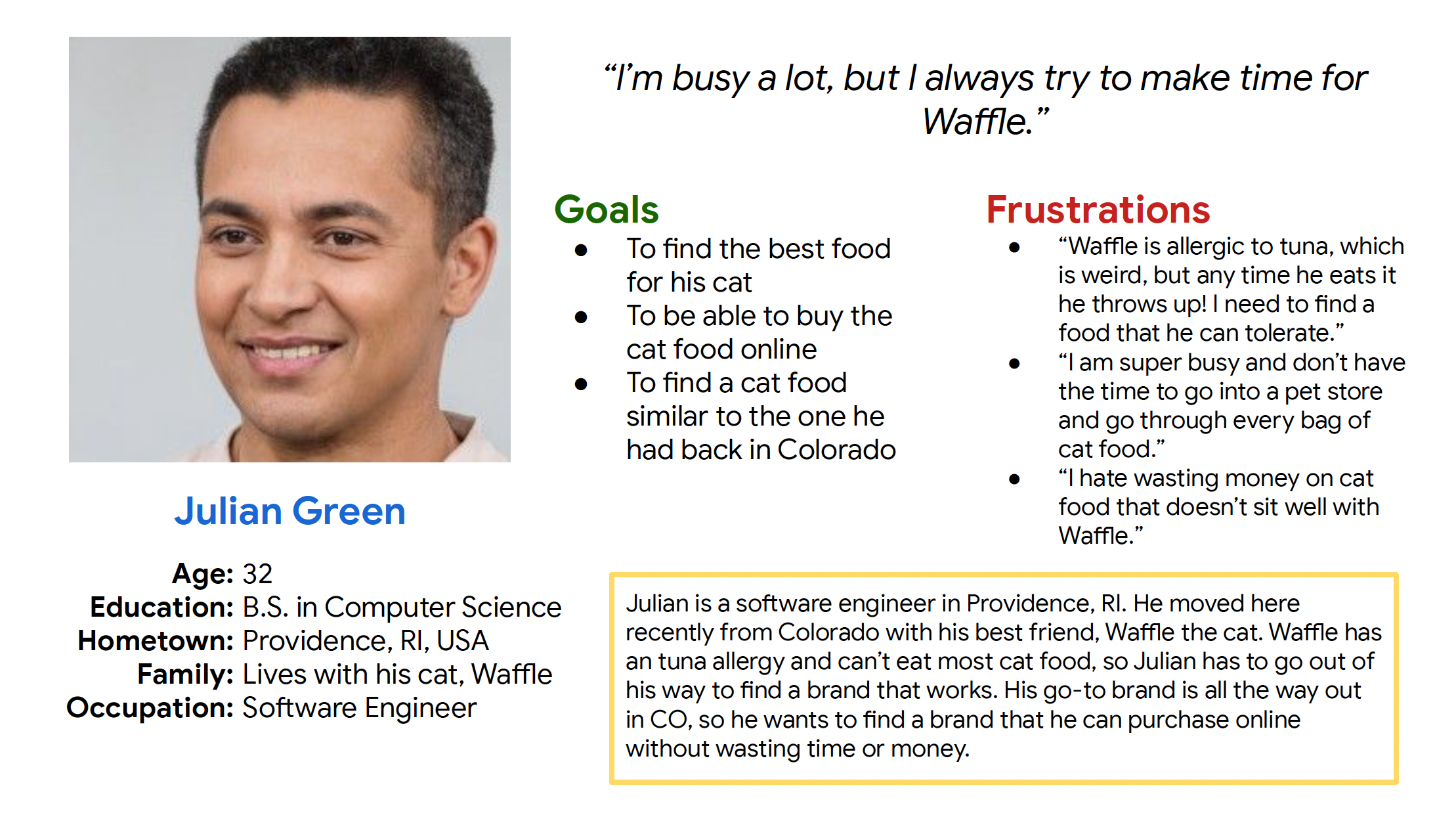
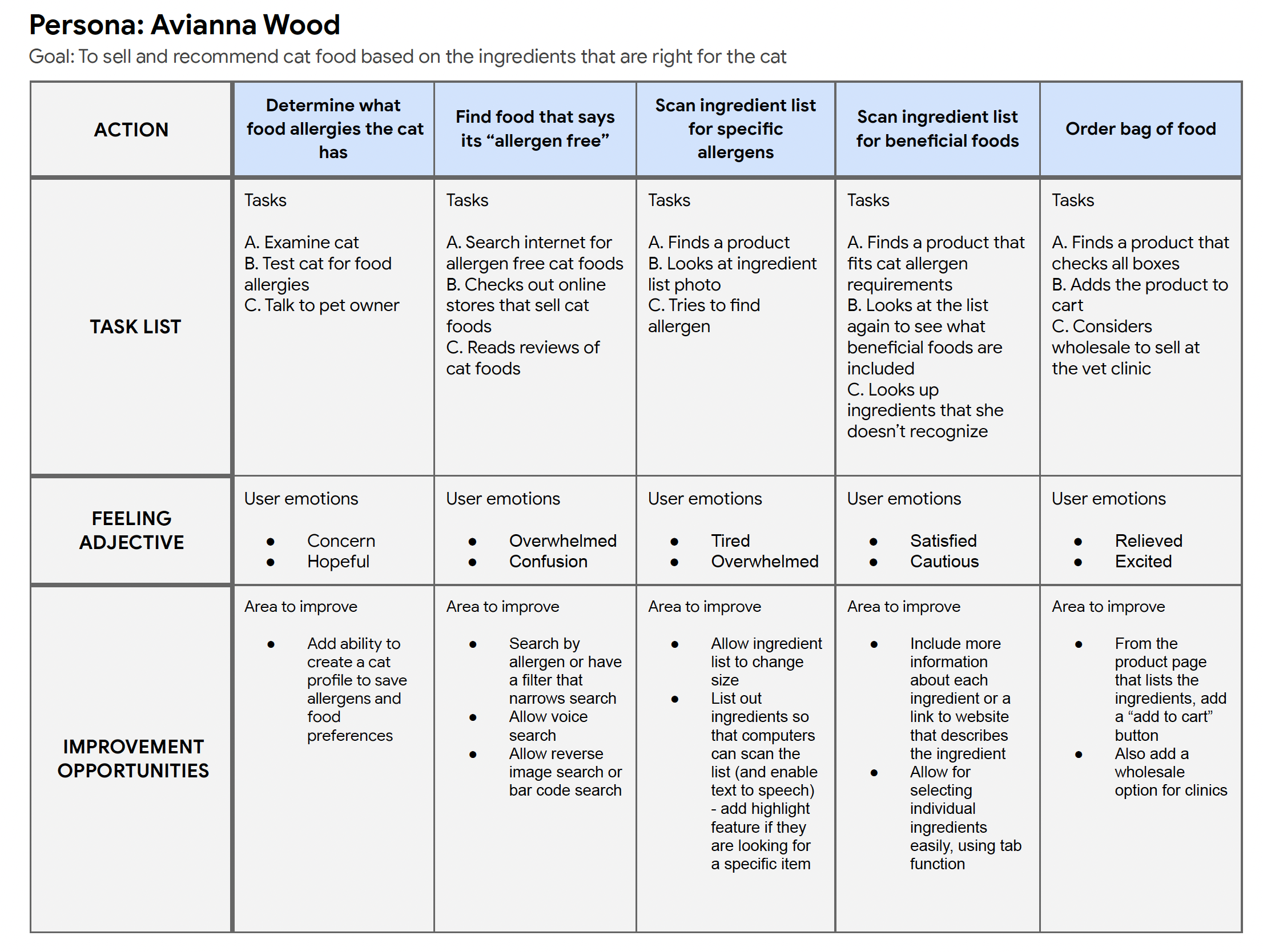
I completed a couple of personas, a user journey table, and a competitive audit to start my research. You can view those materials below.
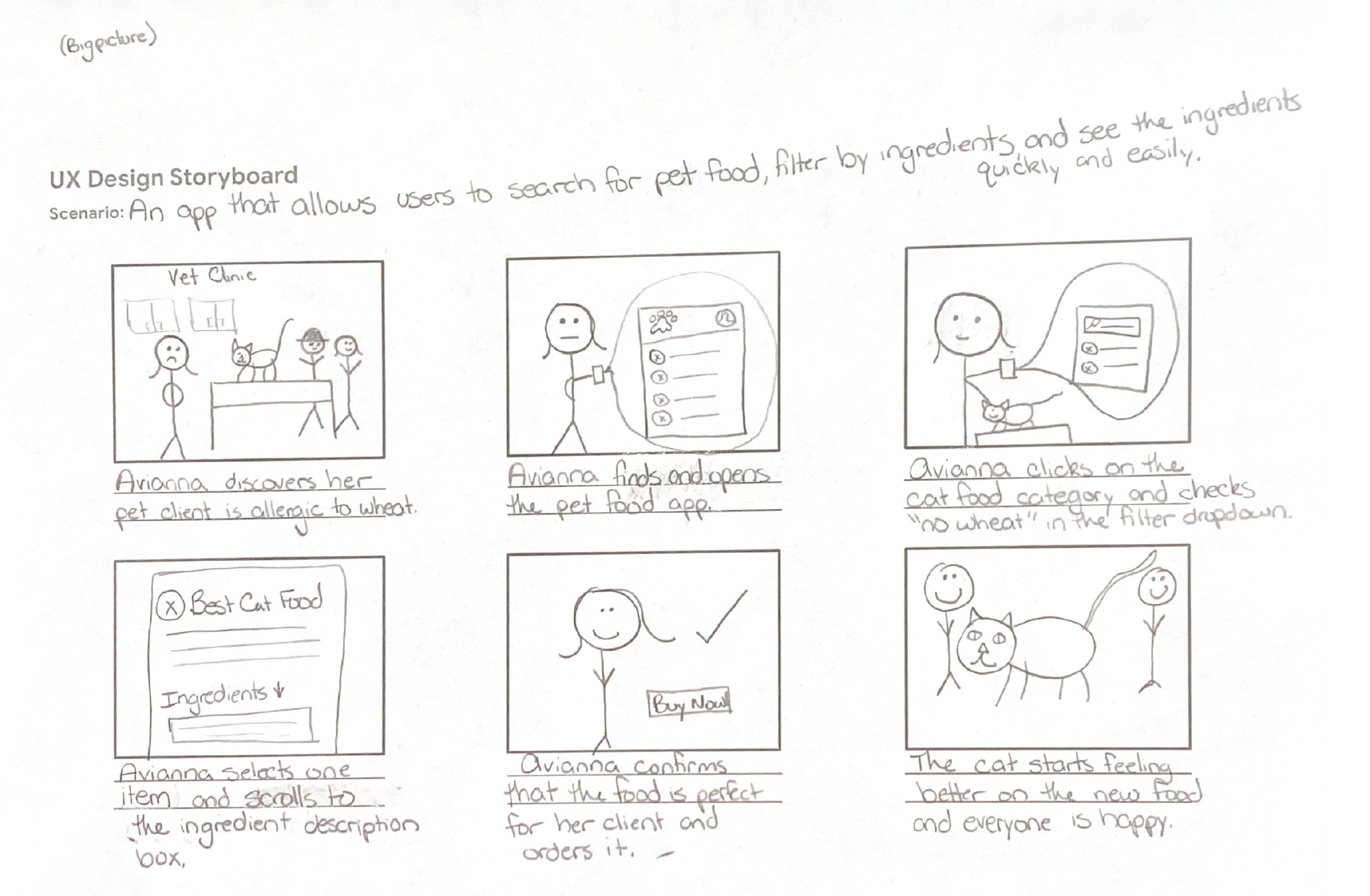
After I finished the research phase, I began to ideate some plans for the actual design. I started with a basic storyboard with the best stick figures you’ve ever laid eyes on, then moved into some digital wireframes using Figma.
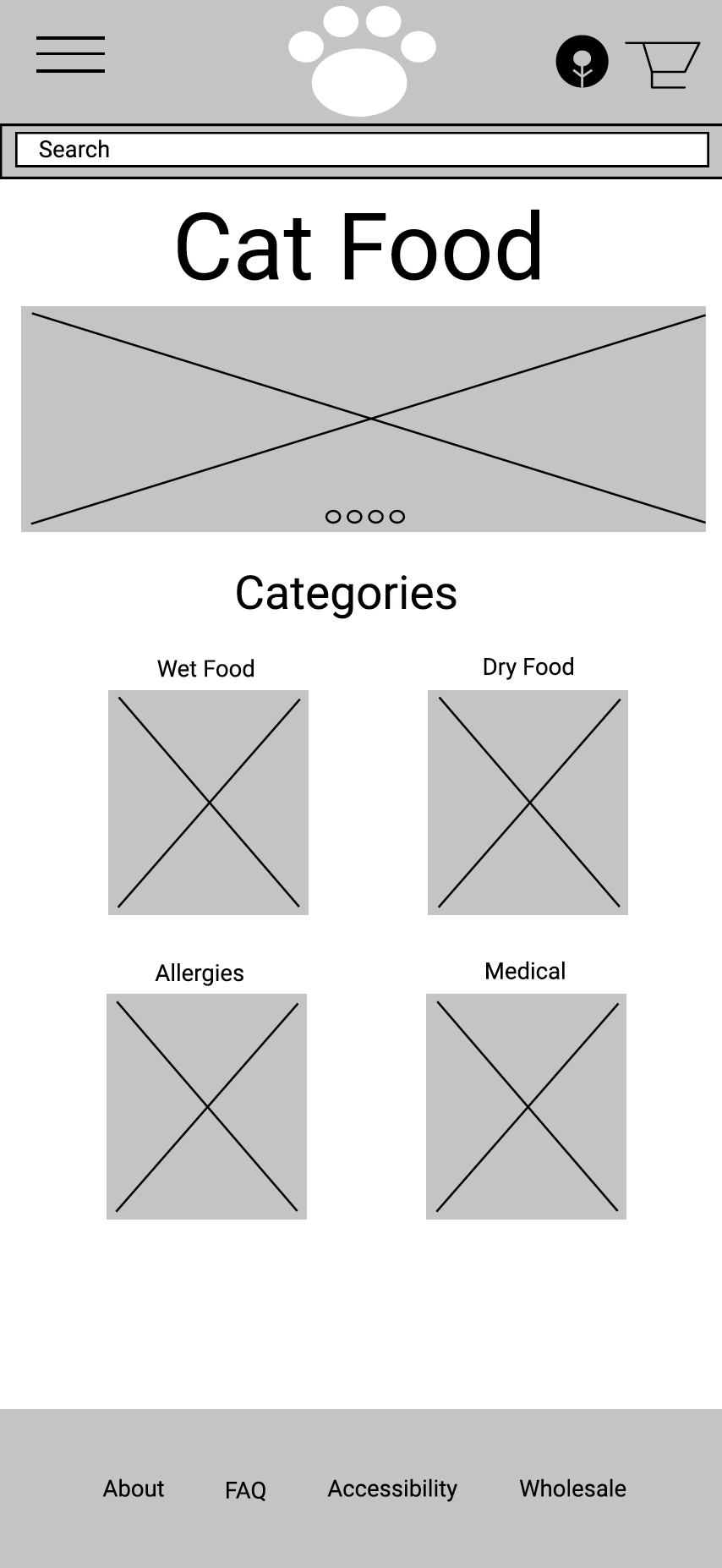
For the prototype, I planned out a flow that went through selecting and purchasing pet food. This included scrolling through different food categories, clicking on an icon, interacting with the ingredients list, and adding it to the cart. After some user interviews, I added some additional features to the original flow, such as the ability to view order history and save credit cards. You can view the low-fidelity prototype by clicking on the following link: Low-Fidelity Prototype Preview
For the final piece of this project, I had to create a high-fidelity prototype and focus on the visual design aspect of that. I used Canva and Adobe Photoshop to create those elements. You can view the high-fidelity prototype by clicking on the following link: High-Fidelity Prototype Preview
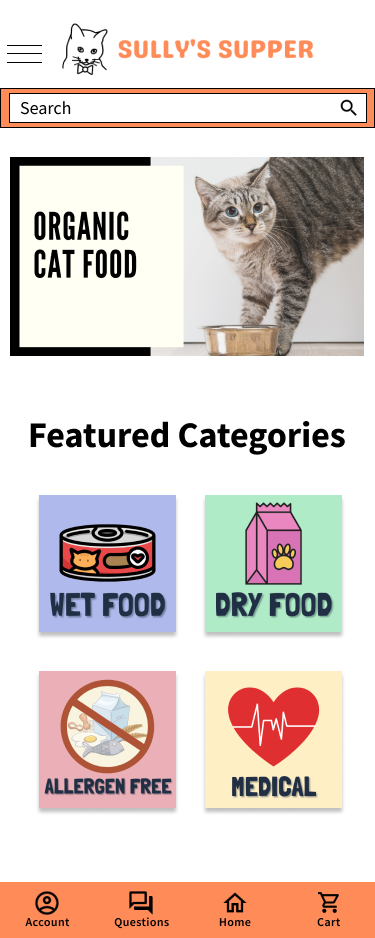
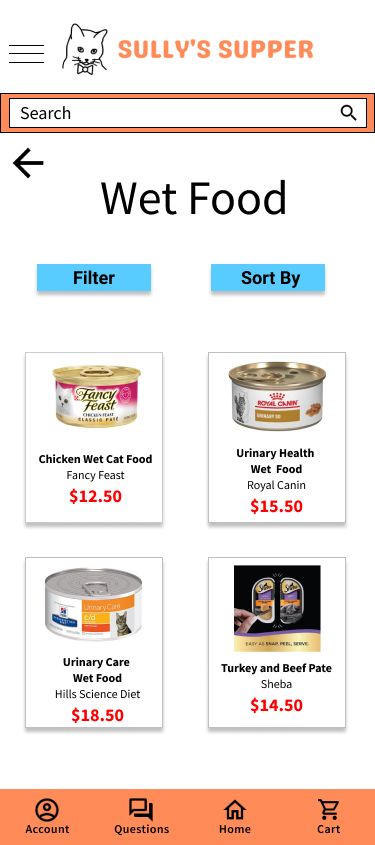
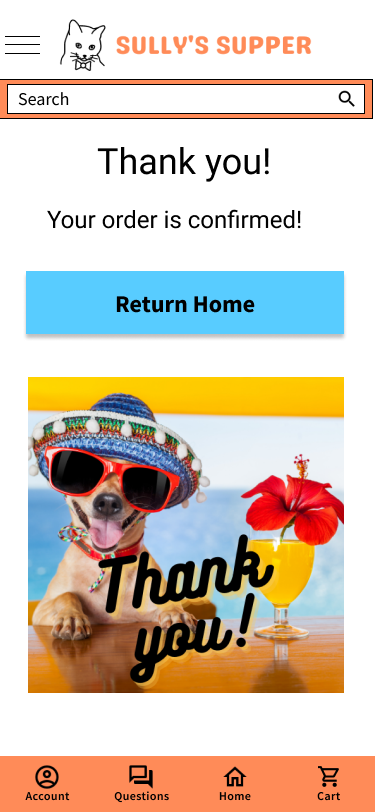
This was my first taste of mobile app design, so I learned a lot. While there is definitely room for improvement here, I am glad to have had the experience. With the next billion users coming in on smartphones, knowing how to design apps is crucial. Overall I ended up with an average of 99% in these five courses.
 Cara Rodriguez's Portfolio
You must be logged in to post a comment.