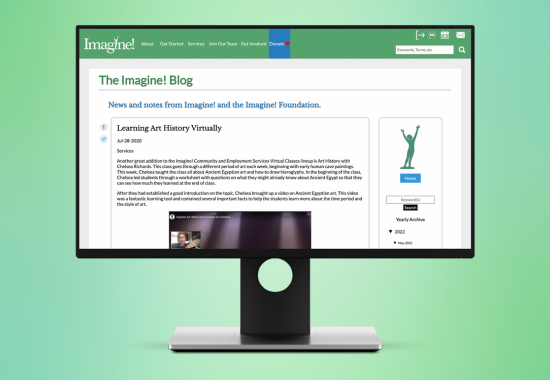
Project for Imagine!
Date: August 2019
Role: Web Designer
Tools Used: Figma
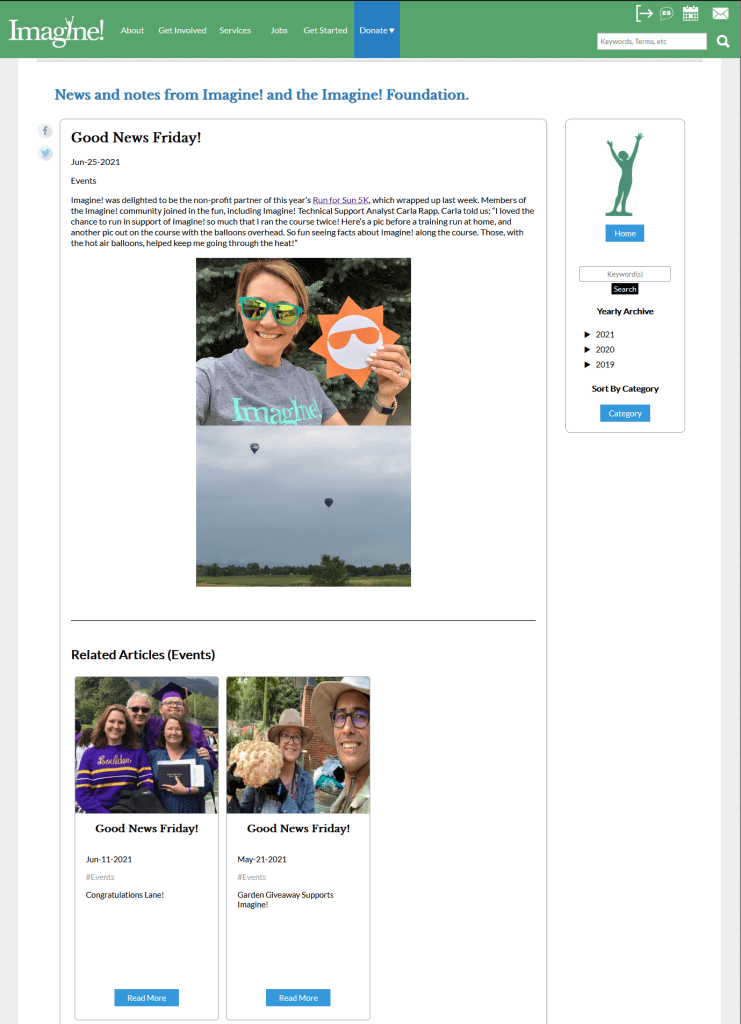
Imagine!, a nonprofit that serves people with disabilities in Colorado, was transferring their blog from Blogger to their organization’s website. They wanted to have all of their publications on the same site to increase accessibility and allow users to explore Imagine!’s services after reading a blog post. Additionally, they found that the reader count was not quite where they wanted it to be on Blogger, so their hope was to increase views on the main website.
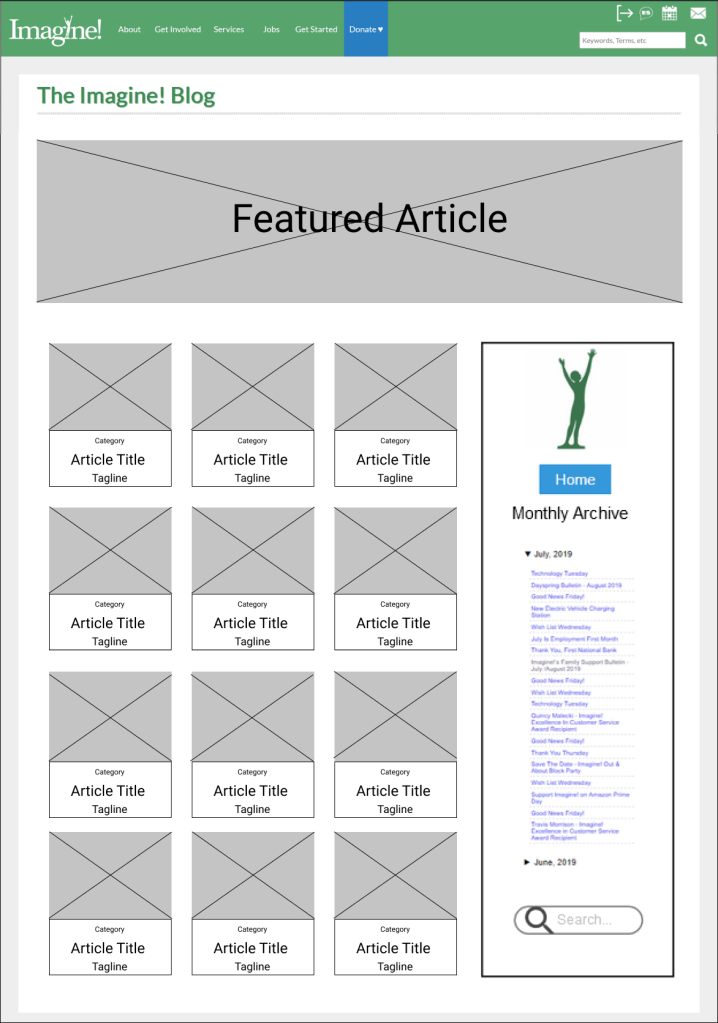
Before starting the wireframe for this project, I researched popular blog designs on Dribbble and across Google. I was also curious about the Imagine! website’s popular pages, so I gathered some data from Google Analytics. Armed with plenty of research and data, I was able to start brainstorming a simple design that helped showcase a brief preview of each blog post for the viewers. The team and I liked the card layout the most, so we went with that in the wireframe.
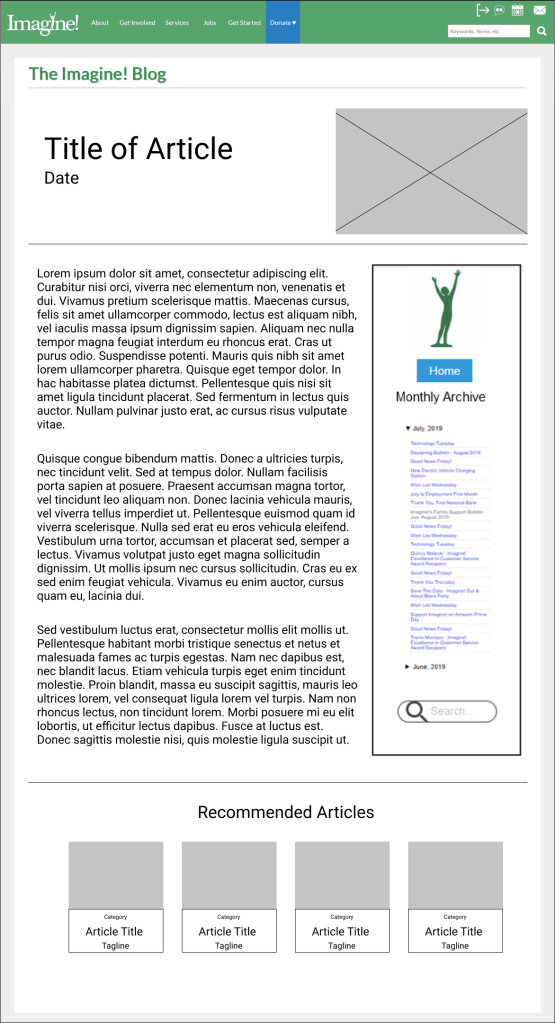
I created a medium-fidelity prototype for the webmaster at Imagine!, who then built the new blog around that design. You can view the prototype by clicking on the following link: Imagine! Blog Redesign.
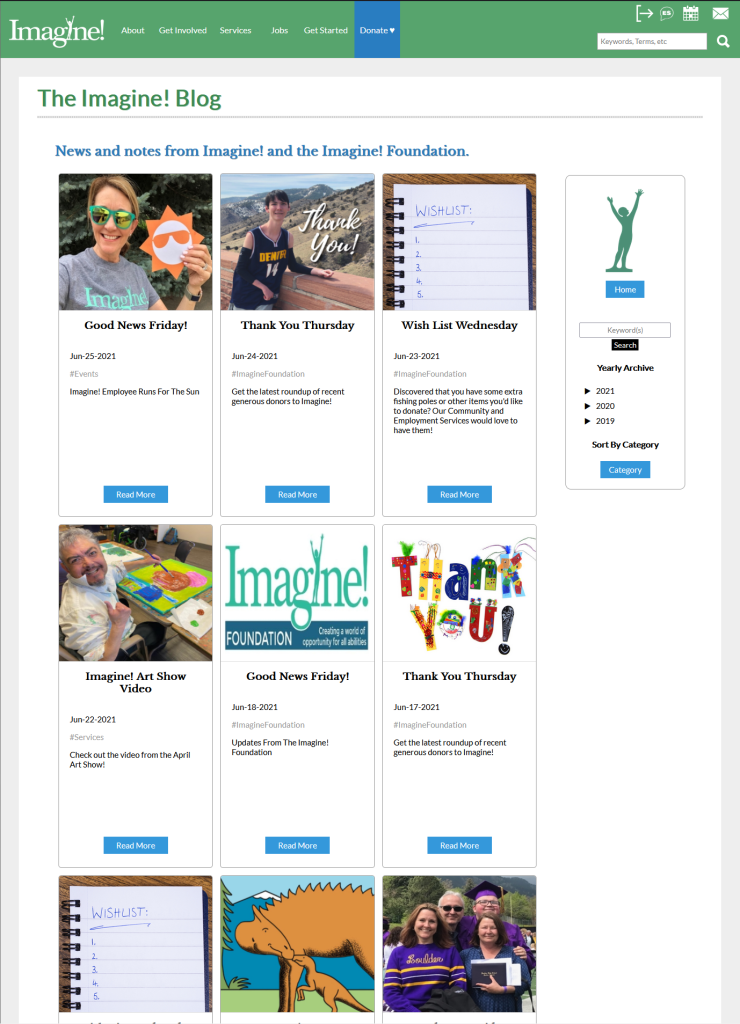
One of the biggest challenges that I came across in this project was combining two different blog accounts, one for the main Imagine! organization and one for the fundraising branch. I needed to have a feature that highlighted both topics well so that donors could easily navigate toward their preferred subject. The solution was to add tags for each post. Some tags that we included were “services”, “foundation”, and “employees.” Users can click on a tag and view a list of all posts that fall under that category.
The blog was a big hit among the donors and Imagine! workforce. There was about a 300% increase in page views following the redesign. One viewer commented that they had an easier time finding blog posts with this new format and that they liked the inclusion of the tagline. A couple years later we fixed some problems that popped up on the blog, including the page number display at the bottom of the main page and adding more dates in the drop down side bar.
 Cara Rodriguez's Portfolio
You must be logged in to post a comment.